Your saves are a mess. Your dinner doesn’t have to be.
Import recipes from social, AI chats and websites. OwnCook turns them into clean, cookable cards you can open at the stove.
Saved on social. Lost when you cook.
Bookmarks mixed with memes, videos you can’t pause at the stove, posts that disappear.
The post can vanish
The creator deletes it, goes private, or the link breaks. The dish you meant to cook Sunday is gone, and you never copied the amounts.
One folder, zero recipes
Outfits, memes, trip ideas, and one “chicken” shelf.
Video is a terrible cookbook
Ingredients in the caption, steps in a 30-second clip. Pause, rewind, burn the pan.
Great answers. Terrible pantry.
The good version was forty messages ago, under “make it spicier” and a grocery list.
From chat to recipe
Paste an AI reply and get a structured recipe. No photo? We’ll generate a cover. Edit freely before it lands in your book.
From photo or text
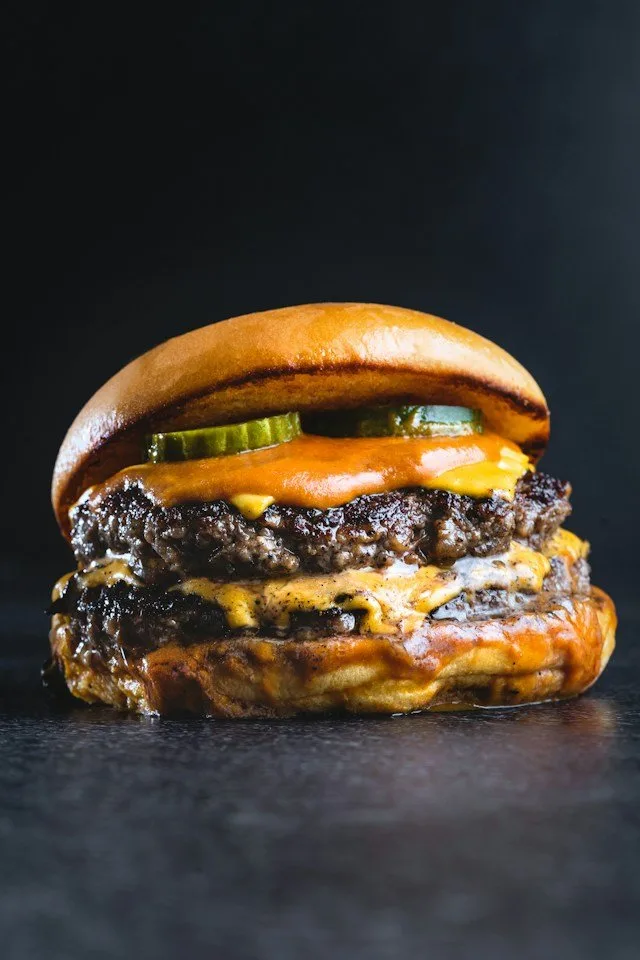
Snap your dish
Take a photo or pick one from your gallery. We draft the recipe, you tweak anything.
- Full draft
- Ingredients, steps and cooking time from the photo
- Any picture
- Your plate, a restaurant dish, a shot from a friend
- Yours to edit
- Change every detail before it lands in your book
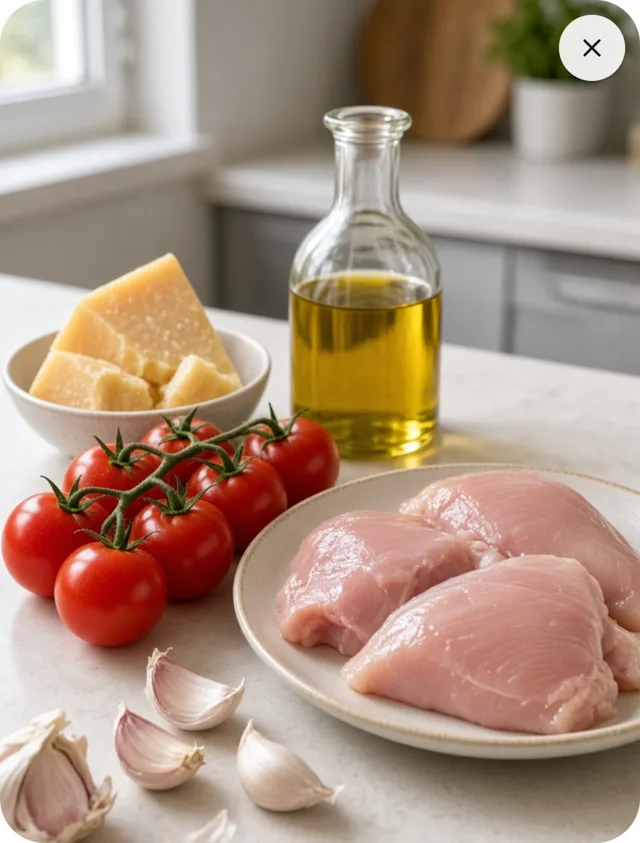
Snap your ingredients
Lay out what you have and take a photo. We draft a recipe built around it.
- Your pantry
- Vegetables, meat, cheese, oil: whatever is on the table
- A recipe to fit
- A dish built around the products in the photo
- Yours to edit
- Add what’s missing, drop what you don’t want
Just say what you’re making
Type what you want to cook, in a few words or a full description. We turn it into a recipe.
- Any detail
- Cooking time, servings, diet, what to leave out
- Short or long
- A few words are enough, a full paragraph works too
- Yours to edit
- Change every line before it lands in your book
Bookmarks vs. your cookbook
Questions, answered
What’s included in Free?
Unlimited recipes you write yourself, search, favorites, cook mode, and 5 AI imports every month. No ads.
What does Premium add?
A higher monthly AI import limit ($4.99/mo or $49.99/yr). Your cookbook and recipes stay yours either way.
Can I cancel anytime?
Yes. Cancel from Account → Billing (web) or your store subscription settings (app). You keep recipes already saved.
Which sources can I import from?
YouTube, Instagram, TikTok, recipe websites, AI chat replies, a photo of a dish or ingredients, and plain text.
Do I need the App Store or Play?
No. OwnCook works in the browser. Android is on Google Play; iOS comes later.
Where are Terms and Privacy?
See Terms and Privacy in the footer, or under Account → Policies after you sign in.
From social to your book